
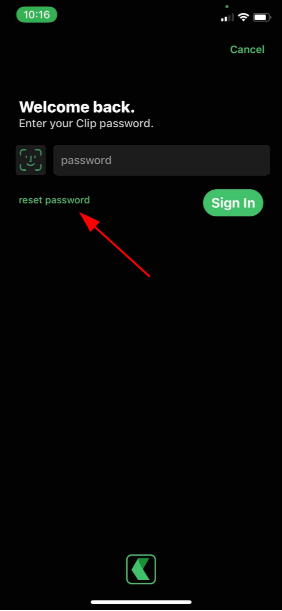
When attempting to login you will be prompted for your password, if you do not remember your password you may click reset password to begin the password reset process. You will be sent a one-time code via email or SMS. You will require this code to authenticate your identity before you are permitted to set a new password.
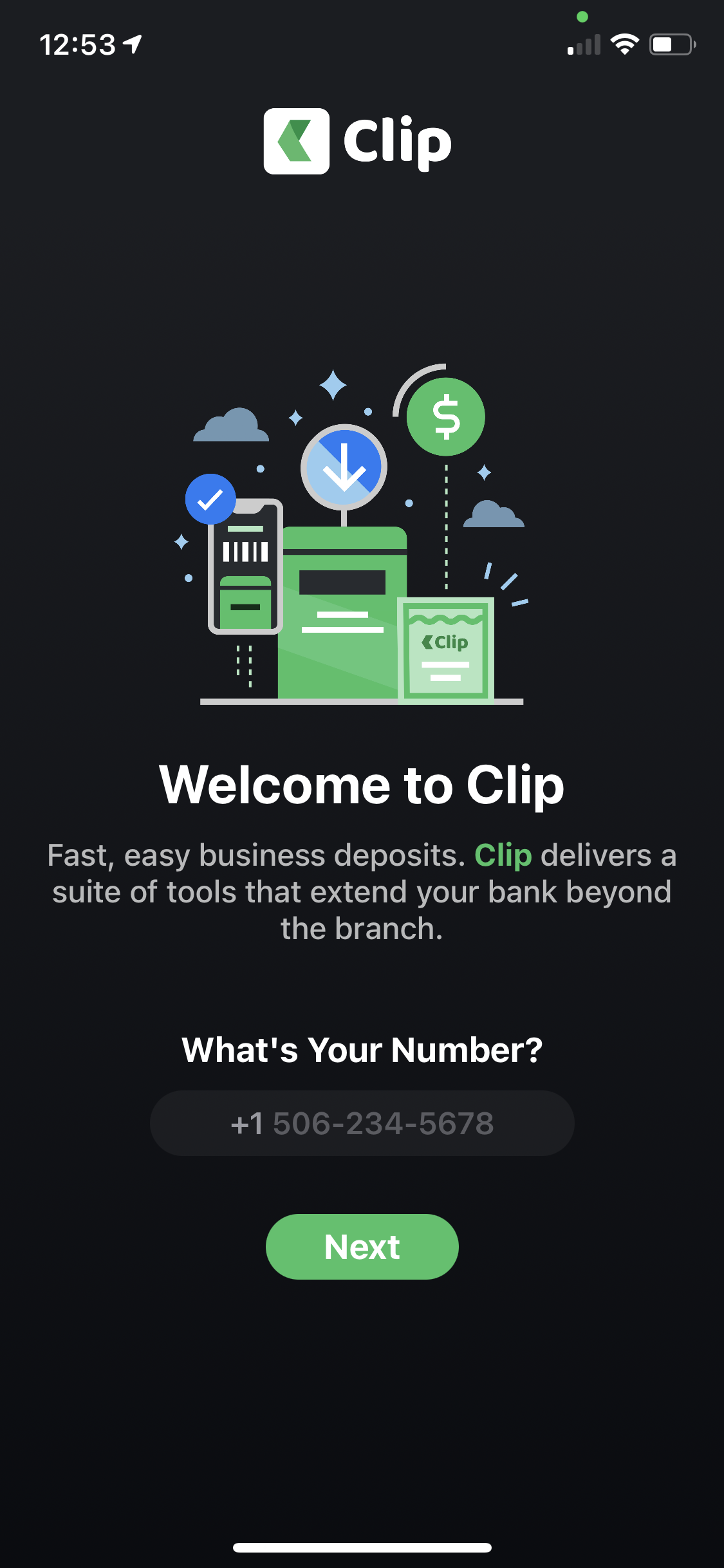
Note: your used ID is the mobile telephone number you used when signing up.
 |
 |
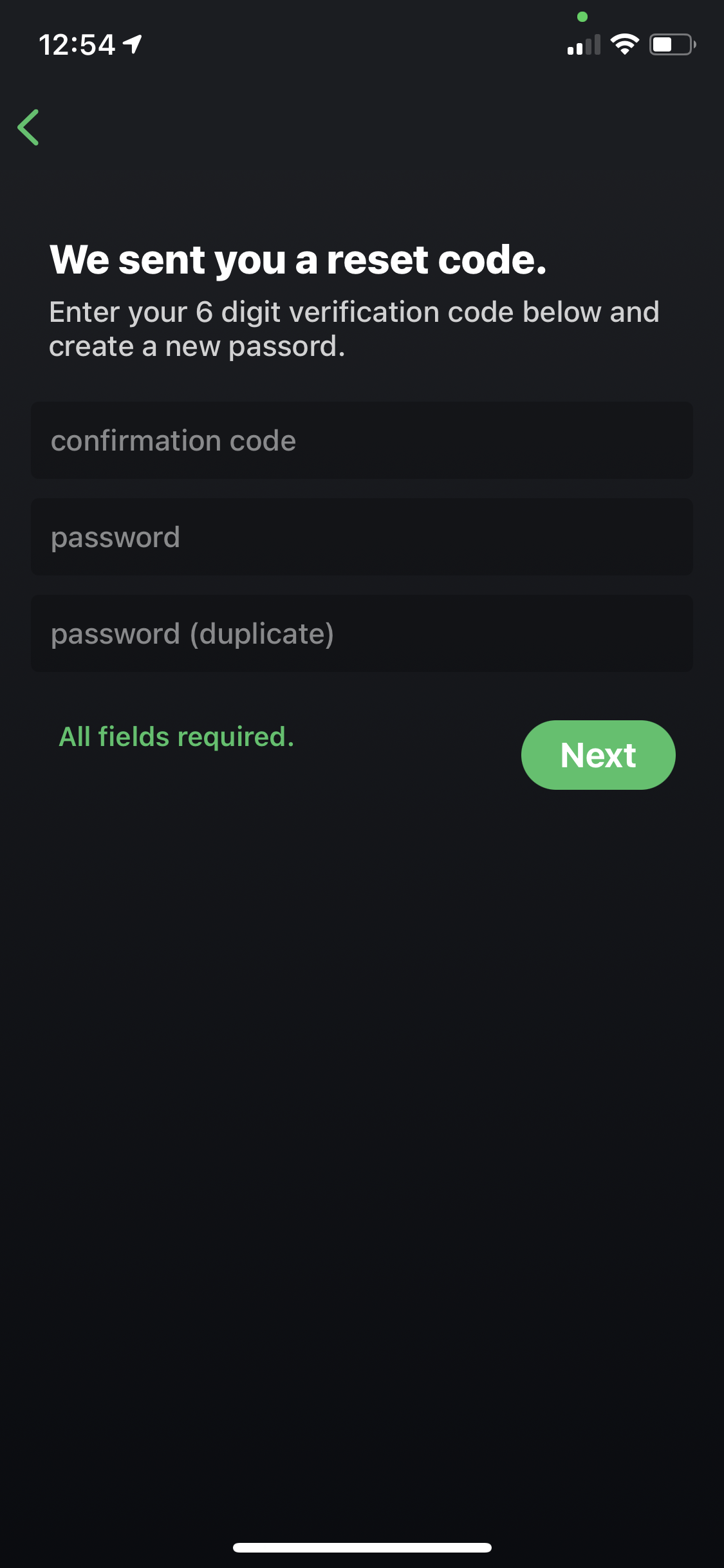 |
| Enter your user ID and tap next. | Tap Reset Password | Enter the one-time code in the confirmation text box. Enter and verify your new password then tap Next. |
Alternatively you can request a password reset via our web-based dashboard at https://clipmoney.com/dashboard/password_reset
Comments
0 comments
Please sign in to leave a comment.